What Makes a Good URL Shortening Platform?
Not the feature list. The questions worth asking are about what happens when things go wrong, and almost none of them appear on a comparison page. Here they are, with our own answers.
7 October 2026 · 8 min read · updated 10 October 2026
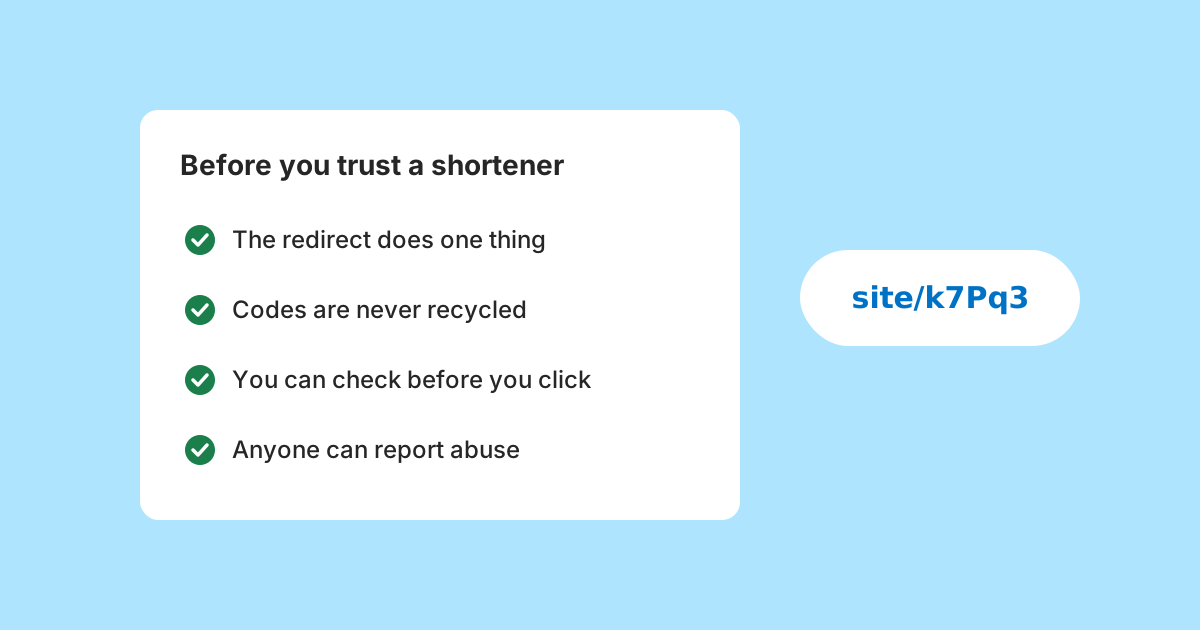
Comparison pages measure the wrong things. Every shortener shortens URLs, most make QR codes, and feature grids converge because features are easy to add and easy to list.
What separates them is behaviour under conditions nobody demonstrates: when a link is no longer wanted, when the destination moves, when you want to leave, when somebody uses the service for phishing, when you need to know what was recorded about the people who clicked.
Here is what to ask, roughly in order of how much it will matter later. Because this is published by a link tool, each section ends with how LinkMint answers the same question, including the answers that are limitations.
Does the redirect do one thing?
Every visit, for as long as the link exists, is a lookup and a response. It is the only part that has to work perfectly, and it is the part least discussed.
You can inspect it yourself. Request a short link without following it, using your browser's developer tools or a command line client, and look at what comes back: the status code, the Location header holding the destination, and any caching headers. A 301 is a permanent redirect that browsers may remember and reuse without asking again; a 302 is a temporary one that is looked up each time. Neither is wrong in itself, but the answer should match what the service tells you about its links.
Also ask whether anything happens before the redirect is sent. A redirect that waits on recording analytics, setting cookies or running scripts is making every visitor wait for something that benefits somebody else.
What happens to a code that is no longer used?
The single most revealing question, because it has no marketing value and only somebody who has thought about consequences will have a good answer.
If a deleted or expired code becomes available to someone else, anyone can watch for a valuable one and inherit the traffic still arriving from old emails, invoices and printed material. Visitors following a link they trusted end up wherever the new owner chooses. A reservation period makes that harder; never reusing codes at all makes it impossible.
Ask the follow-up too. Can the original owner take a code back, and could an attacker who gains access to that account do the same? Every exception to the rule is a route an attacker will try.
Can the destination change, and who can change it?
Many shorteners let you edit a link's destination after publishing. That is useful for expensive print, and it comes with a question that is rarely asked: who else could change it? Anyone who gets into the account can quietly repoint every printed copy.
Decide which you need. If you print in quantity and must be able to change the destination, you need editing, an account and good account security. If you want links that people can check once and trust, a fixed destination is the safer property.
What does it record about the people who click?
Every link analytics system shares the same limits. Referrers are frequently missing, bots are hard to filter, messaging apps fetch links to build previews, and a QR code's figures include anyone who followed the same link another way. A tool that states those limits understands its own data. One that presents unqualified numbers either does not, or would rather you did not ask.
Then ask what is stored for each visit. If the answer includes IP addresses, device fingerprints or persistent visitor identifiers, the people clicking your links are being recorded, and you may be holding a dataset with legal obligations attached in exchange for numbers you rarely use.
If you do want to measure visits, there is an alternative that keeps the data with you: tag the destination address with UTM parameters, and let your own website analytics count the visits that arrive.
How does it handle abuse?
A public shortener is useful infrastructure for phishing, because a short code hides where a link really goes. Handling that well is part of the product, not an afterthought.
Ask whether anyone can report a link without an account. The people best placed to spot a phishing link are the ones who received it, and they will not sign up for anything first. Ask what happens after a report, and whether visitors can see a link's destination before following it.
This matters to honest users as well. A domain that accumulates abuse acquires a poor reputation with spam filters and security tools, and that reputation applies to every link on it, including yours.
What happens at a limit, or when you stop paying?
Specifically: do existing links keep working? Being prevented from making new links is a reasonable limit. Existing links ceasing to work is different, because it breaks material already in the world, and anything printed becomes waste on a billing date.
The same question applies to closing an account. Whatever the answer is, it should be written down somewhere you can read before you need it.
Can you leave with your links working?
This decides whether a shortener is a tool or a dependency. Links on a domain you control can be pointed at a different service later and keep working. Links on a shared domain cannot be moved, so anything printed is tied to that service continuing to exist.
If you plan to put links on anything physical, and moving providers matters to you, a custom domain is close to a requirement. Failing that, make sure the destination is on a domain you control, so that the short link is only a convenient pointer rather than the thing holding everything together.
The unglamorous things that decide daily use
Everything above is about failure. A separate set of questions decides whether a tool is pleasant on an ordinary day, and they are easy to check in a few minutes.
- Does making a link take one field, or does it demand sign-up, a campaign name and a folder first?
- Does it check the address before shortening it, and explain clearly when it refuses one?
- Does it keep the query string exactly, so tracking tags and search parameters survive?
- Does it work properly on a phone, where many links are made and most are followed?
- Does it ask you to accept cookies or tracking just to make a link?
If you need to organise hundreds of links into folders, see them on a dashboard or work with colleagues under shared accounts, you need a tool built for that. LinkMint is not one: it has no accounts, dashboards, folders, tags or bulk tools. It is built for making a single link quickly and having it keep working.
Read the error messages
An oddly reliable signal that costs nothing to check. Paste something that is not a web address, or something the service will refuse, and read what comes back.
Error 400
Invalid URL.
That address doesn't start with http:// or https://, so it can't be shortened. Check it was copied in full.
The first tells you the developer stopped at the status code. The second is a sentence. The third explains the rule and what to do next, which means somebody thought about the person reading it. Nobody writes good error messages by accident, and no demo ever shows them.
What is not on this list
The number of features. Most are variations on redirecting and counting, and the marginal one rarely decides anything.
Uptime percentages, unless a contract and published measurement stand behind them. A number on a marketing page is a number somebody chose.
Customer logos and testimonials, which tell you who bought something rather than how it behaves when things go wrong.
LinkMint's answers in one place
| Question | LinkMint's answer |
|---|---|
| Redirect | HTTP 302 straight to the destination, query string kept exactly |
| Old codes | Never expire, never deleted by creators, never recycled |
| Editing | Not possible; point links at a page you control, or a bio page you edit |
| Visitor data | Nothing recorded: no click counts, cookies or IP addresses |
| Abuse | Report at /report with no account; links can be disabled after review |
| Limits | 10 new links per hour per connection; existing links unaffected |
| Leaving | No custom domains or export; keep important content on your own domain |
The disclosure this article owes you
This is published by a link tool, which makes it an argument for a set of choices its authors already made. Reading it as neutral would be a mistake, and some of LinkMint's answers above are plainly limitations: no editing, no analytics, no custom domains.
So the useful thing to do with it is not to accept the conclusions but to take the questions elsewhere. They are answerable about any product, including this one, and a tool that finds them awkward has told you something regardless of who wrote them down.
Related reading
- Why Deleted Short-Link Aliases Shouldn't Be Recycled
Handing a retired short link code to someone new looks like tidy housekeeping. In practice it gives a stranger traffic that was meant for somebody else. Here is how that goes wrong, and why LinkMint never reuses a code.
- 301 vs 302 Redirects: Which Should a Short Link Use?
A 301 invites browsers and caches to remember the answer; a 302 asks them to check again. For short links that difference decides who stays in control, even when the destination never changes.
- Click Analytics Without Turning Visitors Into Profiles
Almost everything you want to know about the traffic your links send can be answered in your own analytics without storing anything that identifies anyone. Here is how, and why LinkMint itself records nothing at all.